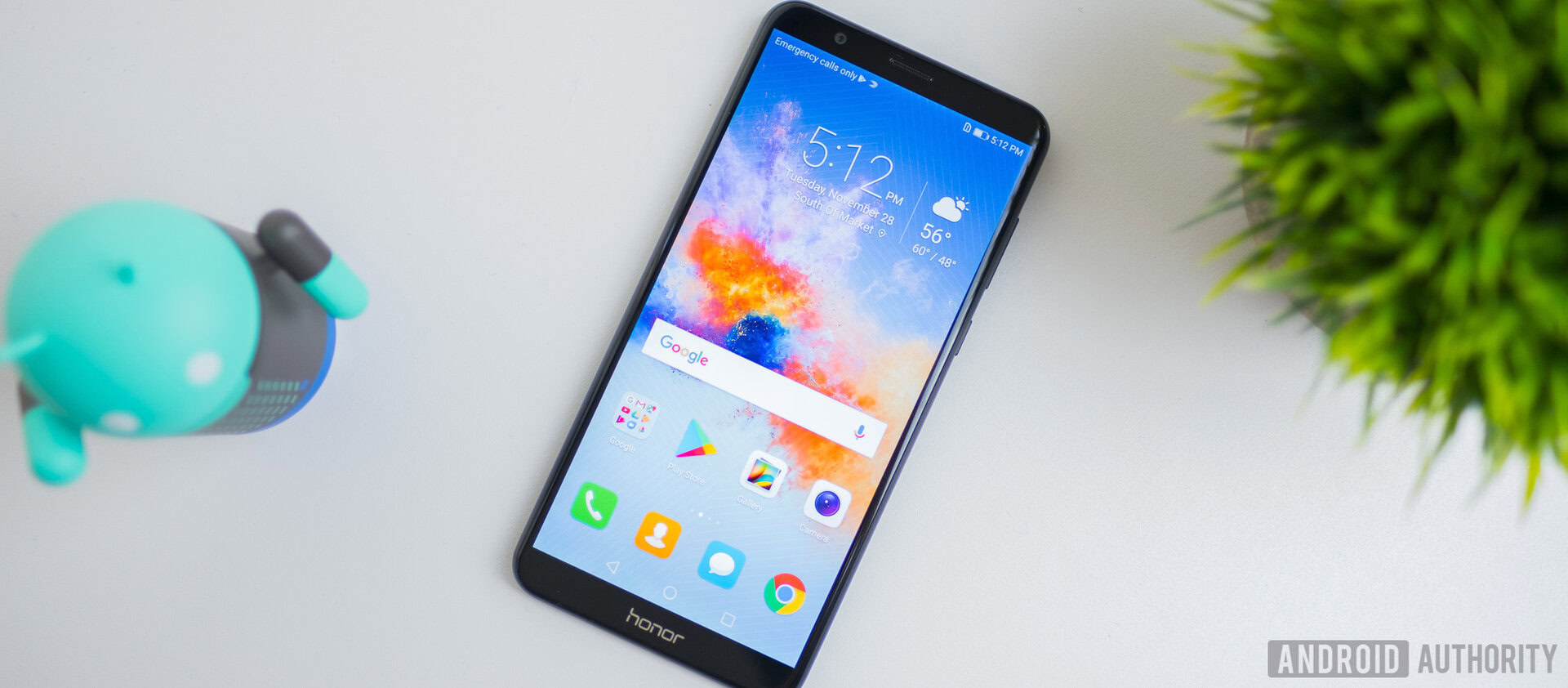
Aperture is a fun word to say, a hard word to spell, and that thing phone makers love to tell us about. But what is it, really?
For the past three years or so, every time a phone is announced and they get to the part about its camera, the word "aperture" gets thrown around. With the Galaxy S9 unveiling right around the corner, you're about to hear it again. And if rumors about a camera lens with an aperture you can adjust are true, we'll be hearing at least 200% of the recommended dose of aperture talk. But what does it mean? What is it exactly?
In its simplest form, an aperture is a hole that light travels through. When talking about photography, the "hole" is the opening in front of a lens (not the lens diameter itself), and the word aperture takes a bigger meaning and becomes a setting that the photographer can reference. It's one of the three basic pillars of image capture, along with ISO and shutter speed, and while the science and math involved make the aperture setting important for a long list of reasons, the two most important to anyone taking a picture are the focal point and exposure. Ready to dig into all of that until it makes sense? Great! We are, too.
Photography's love triangle

Earlier I mentioned that aperture is one of the three pillars of photography along with ISO and shutter speed. Together, the three settings are known as the exposure triangle and each can have a dramatic effect on how good a photograph looks. They affect more than the exposure (brightness) of a picture, so don't let the name fool you — together they are the biggest factor in making a picture look great or horrible.
Any change to aperture, shutter, or ISO affects all three settings.
The three settings need to be balanced, so you really can't talk about one without explaining a bit of what the others can do. A camera needs to be able to freeze a moment in time and recreate the right colors in the right places and be able to define the right edges, and aperture, ISO, and shutter speed are the three settings that make it happen. You simply can't adjust one setting without adjusting at least one of the others if you expect to take a great photograph.
ISO
ISO is a measurement of the sensitivity of your camera's sensor to light. Way back when actual film was used, you bought different ISO-rated film because there were no sensors and ISO was a non-adjustable part of an image's exposure. We have things a good bit better now. With a modern digital camera, we can control the sensitivity of the sensor on the fly. Technically, we're controlling the level of post-capture gain applied to the signal because that's easier, will greatly lengthen the life of the sensor, and provides identical results.
A lower ISO means less noise.
Ideally, a lower ISO is better because that means there is less noise (pixels that aren't a recreation of the real-life setting) in the final result for any post-processing to filter out. When processing has to remove noise it does so based on the pixels around it that aren't noisy and makes an educated guess. Less guessing means a better photo. But it's not practical to use a super-low ISO setting most of the time because the shutter speed and/or aperture opening can't compensate.
Increasing the ISO setting raises the sensitivity to light, which allows you to take a photo using less light from any source. There are three things to remember about the ISO setting:
- The lower the ISO number the less sensitive the sensor is to light. The higher the ISO number the more sensitive the sensor is to light.
- The signal picks up more noise as it becomes more sensitive. That means lower ISO numbers have less noise and higher ISO numbers have more noise.
- When you can't open the aperture wider or can't slow down the shutter, you use a higher ISO to "freeze" motion and take a picture that's not blurry.
Shutter speed
Shutter speed is the measurement of how long the shutter stays open when you take a photo or capture a frame of a video. When the shutter is open light is coming in, so faster shutter speeds can't collect as much and the exposure is lowered. Of course, the opposite is true and a slower speed results in a higher exposure. Think of exposure when used this way as the brightness or darkness of the photo after everything is done and you'll have a handle on what it means.
Lower is faster when talking shutter speeds.
While the shutter is open the sensor is collecting data about everything it can "see." When any part of what's framed in front of the sensor is moving, the result will be blurry, so most of the time a faster shutter speed is better for getting a sharp and in-focus photo.
- If you decrease the shutter speed (also known as a faster shutter), you need to raise the ISO or open the aperture to increase the exposure. But your photo will be sharper with a faster shutter.
- If you increase the shutter speed (a slower shutter), you might need to lower the ISO or close the aperture to decrease the exposure. But your photo will be less sharp and maybe even blurry with a slower shutter.
Every camera has a shutter, even your phone. Film cameras need an actual mechanical curtain to open and close, but many digital small-sensor cameras (including your phone) just time the capture of data as the shutter. This is why you can turn the shutter sound on or off on many phones; nothing is really moving to make the noise, it's just generated by the software and timed to the shutter release.
Aperture
Aperture is the measurement of how open (or closed) the iris of a camera lens is. It's measured in f-stops, which are an expression of the ratio of the focal length (distance from the focusing point on the lens to the front of the sensor) to the diameter of the iris (the hole in front of the lens). You don't need to remember that or do any math, but you do need to know that a lower f-stop number is a wider aperture and that allows more light to go through the lens and reach the sensor.
- A more narrow aperture (higher f-stop number) needs a slower shutter or a higher ISO setting to increase the exposure.
- A wider aperture (lower f-stop number) needs a faster shutter or a lower ISO setting to decrease the exposure.
As you can see, the aperture is only one part of what makes a properly exposed photo. But like shutter speed and ISO, aperture also has an effect on sharpness. Each part of the exposure triangle also changes another element of your photo when they are adjusted. Changing ISO can increase noise, changing shutter speed can increase motion blur, and changing aperture changes what's called depth of field.
Everything is not portrait mode
You might be wondering why the aperture on your camera isn't just super-low to let in all the light it can. Well, besides making the photos overexposed in many cases, the depth of field would be too narrow.
The right depth of field can make a good picture great.
A depth of field is the distance between the closest thing in a photo that's in focus and furthest thing in a photo that is still in focus. A camera lens can only bring things into focus at one spot. Anything outside of that exact point is not in focus and blurred outwards from the center point in the shape of the aperture. The parts that appear to be in focus to our eyes are in the depth of field.


When something is far enough away, the difference between a f/5 aperture (left) and a f/25 aperture (right) is minimal as long as the equipment can adjust the ISO and shutter speed enough to compensate. Your phone can't and the result would be noisy. Very noisy. Ignoring aperture, ISO, shutter, and exposure the biggest diameter depth of field a lens is capable of creating is called its circle of confusion. The diameter of the depth of field increases the further the lens is from the point it is focused on until you reach the circle of confusion. That means taking a picture of something across the street has a wider depth of field that taking a picture of something a few inches away with the exact same settings. To our eyes, a lens focused on something far enough away will appear to have a full-width depth of field where everything we can see is in focus, but camera sensors can process what is in front of it far better than our eyes can.
What we see versus what we get
What matters most s what we can see, not what the lens can capture.
The depth of field is what determines which areas in a photo are in focus. Normally, we want a picture that is clear and sharp throughout, but with an obvious point that draws our eyes. The photographer needs to make sure the subject is framed in a way that draws the eye to it, but the depth of field is what makes that spot more "crisp" than the rest of the photo. Ideally, everything is in focus and we can't see where the actual point of focus drops off and instead we just perceive a slight difference. Photography is part optical illusion along with part art and part everything else.
In short, the people working for a company who makes camera lenses have a lot to consider and a lot of very complex math to sort out. When they are designing a very tiny fixed lens in a smartphone, it all gets even more complicated. And it's very important because, above all, we want our pictures to look great no matter what numbers are thrown at us.
Awesome portraits
Portrait photography is an exception to the general rule. When you have a single subject — that could be one person or a pet or a group of friends or anything else — that you want to stand out against a simple but pleasant background, a portrait photo can look incredible if done correctly.
Normally, a portrait uses a wide aperture to create a narrow depth of field. Along with proper exposure and slightly tweaked color, this creates a result where the subject looks isolated from the background. This is easy for a camera with a bigger faster lens and full manual controls, but not so easy for something like a smartphone.


The Pixel 2 uses a pure software solution to take normal photos (left) and Portrait Mode photos (right) at the same time. Different companies are trying to do portraits in different ways. Google and Huawei are using machine-learning along with capable hardware to create portraits through software and processing. Samsung is focusing (pardon the pun) on hardware first to give multiple angles and focal lengths to the image processor. Apple is doing both. Neither is new, we've seen multiple lenses and software-adjustable depth of field from companies like Nokia, ZTE, LG and more for the past five years, but technology has moved forward and the results are a lot better.
Notice I said "better" and not perfec. While it's possible to get a great portrait photo from any of the capable flagship phones, most photos are average at best. They all seem to miss the subtlety at the edges of the depth of field and apply a uniform blur to the background, making things look a bit unnatural. Creating a depth of field effect that looks good every time is tough, but we're getting there.
An adjustable aperture on a smartphone?

If the rumors are true, we'll see a camera that has a user adjustable aperture on the Galaxy S9. Details are sparse so we don't know if this means an actual mechanical way to open or close the iris on the lens cover or software that can control the depth of field effect.
I'm betting this means a way to adjust the focal point like we've seen from plenty of companies and a way to adjust the actual depth of field effect versus just blurring some parts of the photo after processing. Smartphone veterans will remember that Nokia's Refocus feature did something very similar to what I'm describing. Modern hardware should be able to acquire all the data needed much faster than we saw in 2013 and taking photos won't take as long or be as fiddly.
No matter how Samsung delivers an adjustable aperture, if they do it's easy to understand why. It all goes back to the depth of field.
2017's hardware should be a lot better at adjusting a depth of field that 2013's was. And 2013's hardware wasn't bad at all.
Most small lenses designed for the types of image sensors our phone use are shaped and ground so that they are sharpest with a depth of field somewhere between ƒ/5.6 and ƒ/8. This is very narrow and doesn't allow for a lot of light, but it cuts back on chromatic aberration making the colors your camera reproduces as close to the original as possible. Using a fixed aperture system set at even f/5.6 is not going to produce photos that are well-exposed without a high ISO (remember, this means a lot of noise) and/or a slow shutter (which means blurry photos) so the aperture is widened and a bit of sharpness is exchanged for a much more flexible system.
As cameras in our phones inch closer to ƒ/0.5 (the theoretical maximum according to Sidney F. Ray's Applied Photographic Optics) more and more sharpness in normal photographs is sacrificed. It's difficult to slow the shutter enough to allow for proper exposure and produce photos that are properly focused and sharp, so ISO is increased and the SNR (signal-to-noise ratio) gets higher and higher. And this does nothing to address the narrow depth of field when taking normal or wide-angle photos.
We've seen pixel sizes grow to compensate and camera circuitry is built to deal with noise a lot better than it used to be, but if you're a company who wants to focus on using hardware for better photos and not software, the next logical step is to perfect a way to use multiple apertures. I'm not sure exactly what to expect from Samsung with the Galaxy S9's camera, but Samsung needs to take the next step and is more than capable of doing it.
Take better pictures
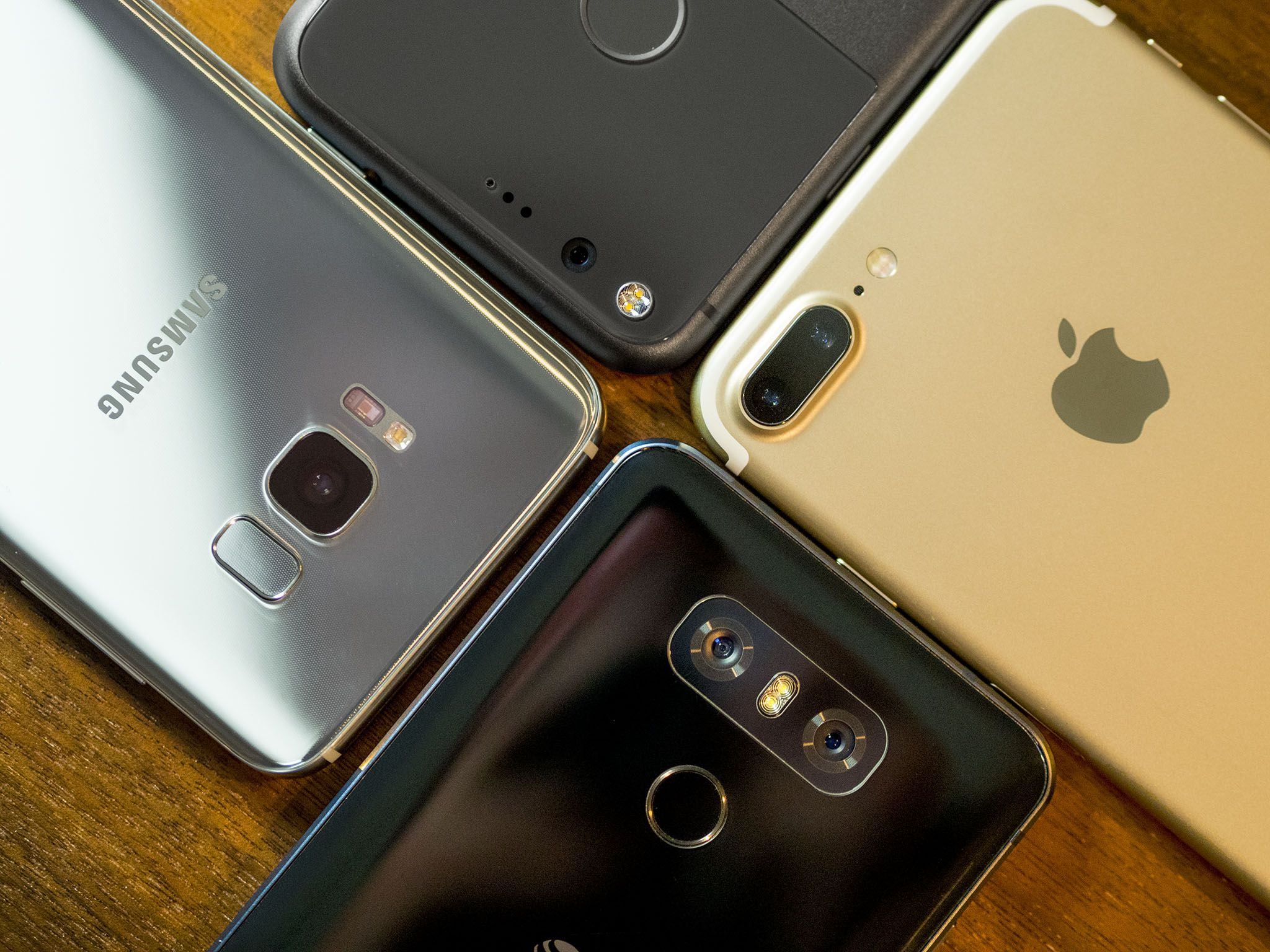
Now you know a little bit about what aperture is and how ti affects the pictures you take. So get out there and take some!
And remember the next time someone on a stage tells you that this awesome new phone has an amazing f/something aperture, there's more to a great camera. A lot more.