Monday, December 31, 2018

The people we love: Mobile Nations 2018 Community Awards Winners!

Kicking off a new year is always a great time to reflect on the previous year. While on the blogs we tend to look at the best devices, the greatest apps, and things of that nature, there is another section of our sites that deserves attention and appreciation as well — the forums and the volunteers and members that make our communities so amazing.

We take great pride in our community and know that without the people who invest their time voluntarily helping out, answering questions, welcoming newcomers, and generally keeping our sites clear of spammers and junk posts, we wouldn't be the site we are today. With that in mind, we'd like to take the time to show some love and highlight folks who go above and beyond daily to make sure our communities remain awesome for everyone!

We opened up the table for suggestions from our volunteer team for outstanding community members, and the nominations poured in! So without further ado, here are some volunteers and community members that have stood out over the last year!

CrackBerry

Best New Member - Crusader03

Biggest BlackBerry Fan - bb10adopter111

Most helpful member - Conite

CrackBerry volunteer team MVP - ECM

Top Poster in the CrackBerry forums - Conite

Android Central

Best New Member - Kodak2

Biggest Android Fan - Mustang7757

Most helpful member - B. Diddy

Android Central volunteer team MVP - Javier P

Top Poster in the Android Central forums - B. Diddy

Windows Central

Best New Member - DavidBS1989

Biggest Windows Fan - Fatclue_98

Most helpful member - Ryujingt3

Windows Central volunteer team MVP - Worldspy99

Top Poster in the Windows Central forums - MSFTisMIA

iMore

Best New Member - Jude526

Biggest Apple Fan - Ledstepplin

Most helpful member - Just_Me_D

iMore volunteer team MVP - Rob Phillips

Top Poster in the iMore forums - Just_Me_D

Special recognition from the community

- BreakingKayfabe for being an iMore faithful and a dependable voice when it comes to participating in threads whether a simple Ask a Question Thread or one than can get quite heated. He's been a member for 10 years and he deserves some recognition, in my opinion.

- Almeuit, Pkcable, Golfdriver97, BigBadWulf, Guytronic, Jason Cockerham, Spencerdl, and Howarmat all received commendations for going above and beyond to do their part for our communities.

In Memoriam

2018 also brought a huge loss to our community with the unexpected passing of longtime CrackBerry member (and arguably BlackBerry's biggest fan) Mark Davidson, known around here as Carjackd. Not only was Mark a respected volunteer, he was also a good friend to many, and his memory will live on for a long time to come. You can read more about Carjackd HERE and if you'd like to contribute to his family's fund, that can be found HERE.

Thank YOU!

Of course, every one of our members and volunteers is important to us, and we wish we could put all of your names in a post, but that would be a pretty long post. From all of us at Mobile Nations, to all the volunteers and community members listed above or not, we want to say THANK YOU. We couldn't do what we do here without you, and we're grateful every day that you choose to spend your time here with us. So here's to 2018, and to 2019 and beyond!


from Android Central - Android Forums, News, Reviews, Help and Android Wallpapers http://bit.ly/2EZXhno
via IFTTT

AT&T's first 5G speed tests are here, and they're not great

While 5G has massive potential, the only major effect it has achieved so far in the US is confusing the general public. That's due in large part to ill-advised marketing strategies and questionable 5G "launches" by the four major wireless carriers. In the latest addition to this frustrating saga, we're finally seeing speed tests of AT&T's fledgling 5G network, and the results are far from impressive.

The results were posted to Reddit and reported on by PCMag's Sascha Segan.

Read More

AT&T's first 5G speed tests are here, and they're not great was written by the awesome team at Android Police.


from Android Police – Android news, reviews, apps, games, phones, tablets http://bit.ly/2Tix6uZ
via IFTTT

Rocket League is fun, hectic, and only $10 right now

Big demolition energy.

If you haven't played Rocket League yet, literally what are you even doing with your life? This game is a combination of soccer and racing, complete with physics-based gameplay, rocket boosters, demolitions, and the world's wub-wubbiest soundtrack. It's one of the most fun games I've ever played, and if you haven't joined the club yet, now's the time. Rocket League is down to just $9.99 right now, which is half off the normal price.

You can download it from the PlayStation Store, where the Game of the Year Edition is also 50% off. It's up for grabs from Microsoft for Xbox consoles, or from the Nintendo Store if you want to play on your Switch. PC gamers can snag a digital code for the same price. Choose whichever option works best for you.

Note that to get the most out of this well-rated game, you'll need to have an online membership for the console you're playing. Now get out there and score some goals.

See at PlayStation Store


from Android Central - Android Forums, News, Reviews, Help and Android Wallpapers http://bit.ly/2QcYp8g
via IFTTT

Best tip ever: Set up Find My Device as soon as you get your phone

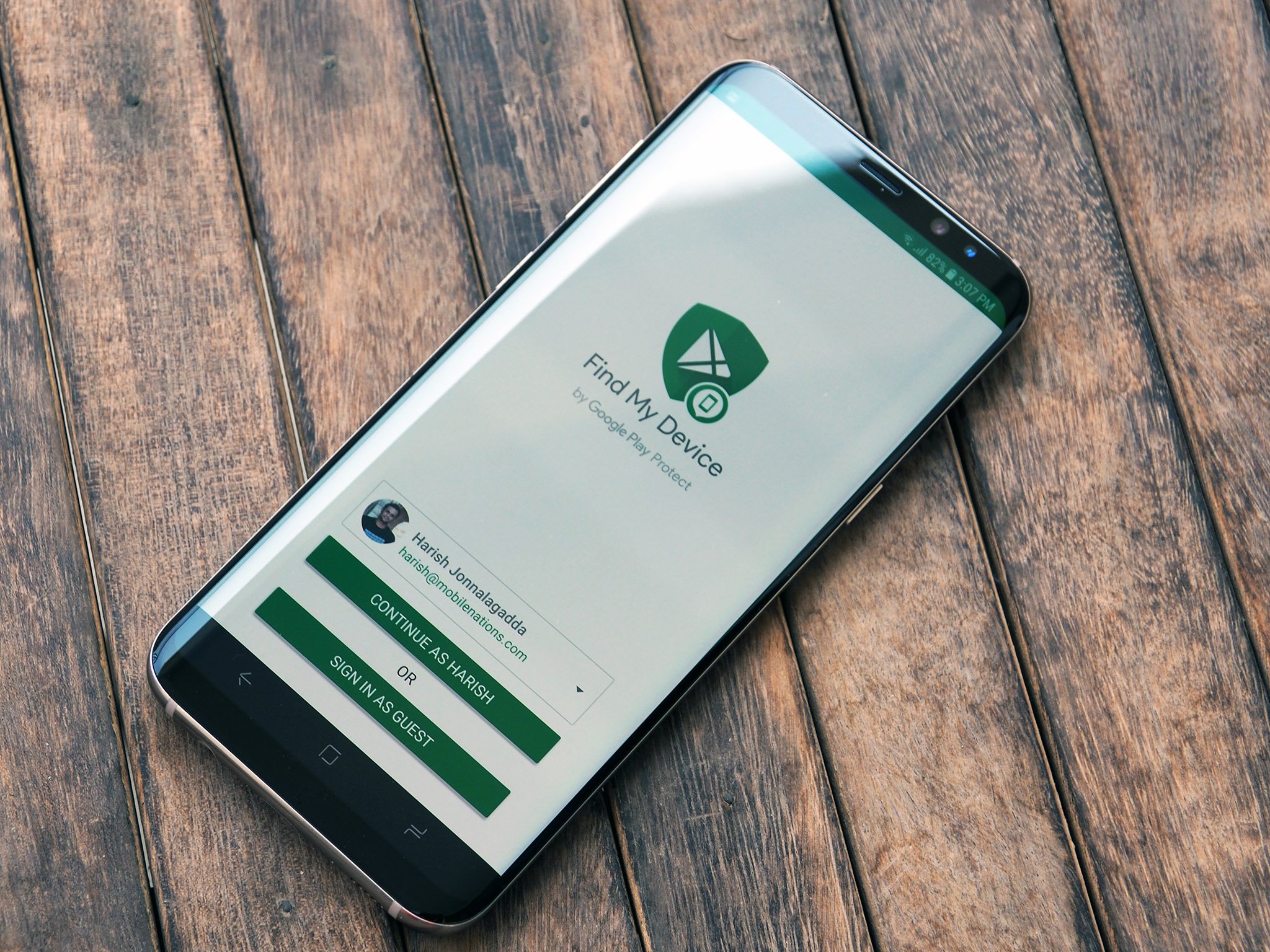
Signing into Find My Device is one of the first things you should do after setting up your phone.

There are several options available for remotely tracking your phone, but Google's own Find My Device service is one of the most convenient around. In addition to locating your phone, Find My Device lets you ring your device, remotely lock it, or even erase the data if your phone goes missing or stolen.

Find My Device is enabled out of the box on most devices, but it doesn't hurt to see if it's running on your phone. Doing so is a straightforward process that doesn't take more than a few minutes, so let's get started.

Install and enable Find My Device

If your phone doesn't already come with Find My Device pre-installed, you can download the app from the Play Store. The service is available for download even on older devices — all phones running Android 4.0 Ice Cream Sandwich and above are eligible.

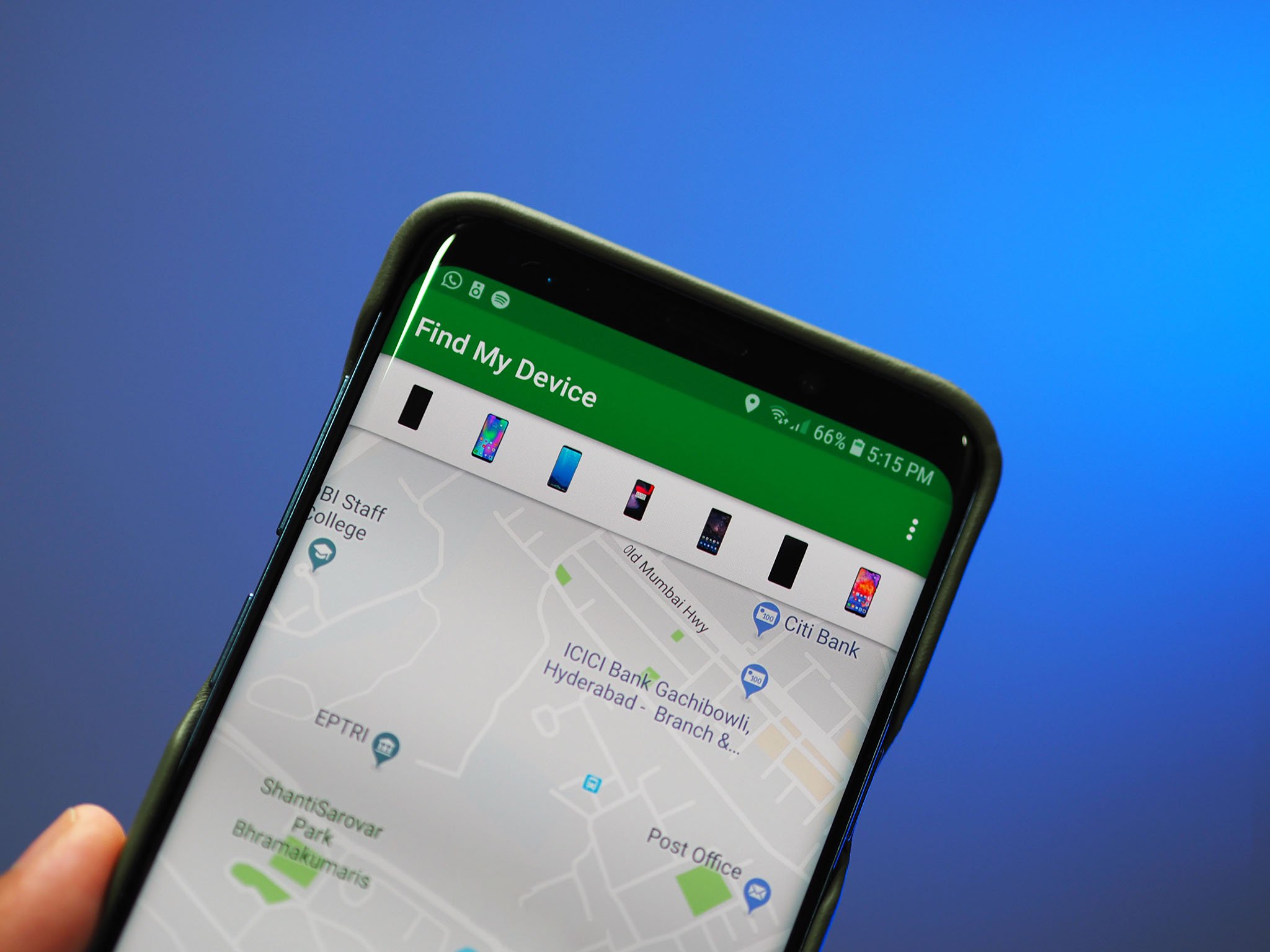
Once the app is installed, you'll have to sign into it with your Google account. Doing so allows the service to essentially link your phone to your Google account. As Find My Device relies on Wi-Fi and GPS to pinpoint the location of your device, it requires access to location services. Once you grant access to location services, you should be able to see a map with your phone's location highlighted.

Find My Device: Everything you need to know

Track your phone with ease

If you need to remotely track your phone, all you have to do is head to the Find My Device site and sign into your Google account (the same you used while setting up the service). Alternatively, you can also perform a Google search with the query, "Find my phone" to start tracking your device.

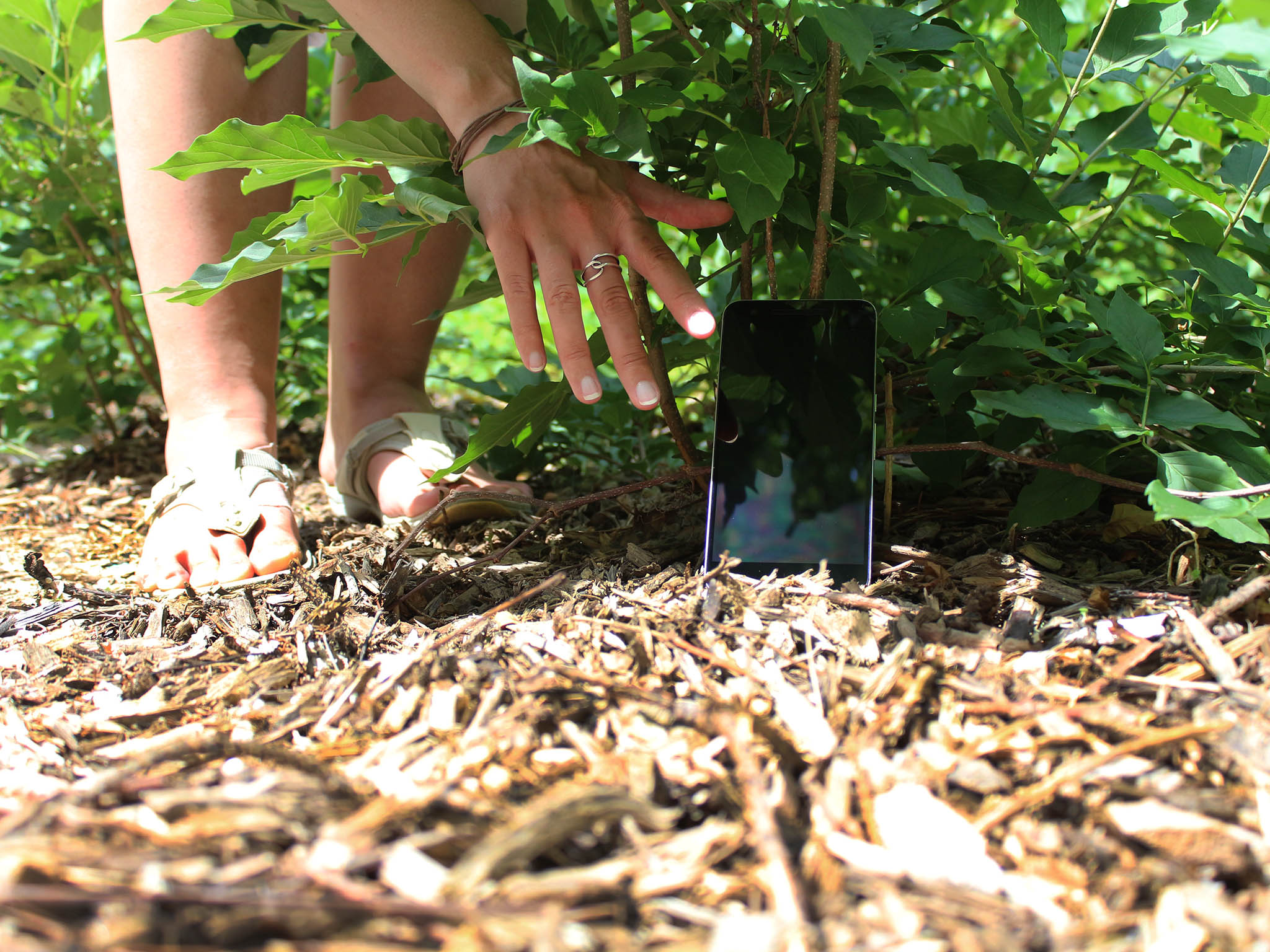
Once your phone has been located, you'll be able to ring your device so it plays a loud sound even if it's on silent mode. This is handy if you've misplaced your phone inside your house. If you have a Google Home, you can just ask Assistant to ring your device by saying, "Hey Google, ring my phone." It will find the last phone that you logged in with your Google account, and ring it.

Find My Device's lock feature is useful if you haven't secured your phone with a passcode or fingerprint, as it prevents access to the home screen should anyone else come across your phone. There's also the option to display a message on the lock screen and add a callback number so that anyone that finds your phone can get in touch with you.

If you're looking for additional features, there are several third-party apps available that let you remotely track and lock down your device.

How to find your lost Android phone

Remotely erase data when all else fails

As Find My Device relies on location services, your phone has to be connected to a Wi-Fi network or use cellular data for the service to accurately track its position. If you're unable to locate your phone or if it's been stolen, then the only option is to remotely erase all data on the device.

The remote erase command deletes all data on your phone — as well as any connected SD cards. If your phone is offline when you issue the command, it automatically kicks in the next time it goes online.

Make sure you're always ready

Find My Device is one of those services that you won't use often, and as such it's easy to forget to set it up during initial configuration. If you're picked up a new phone over the holidays or haven't gotten around to enabling it on your existing device, now's the time to go ahead and set it up on your phone.


from Android Central - Android Forums, News, Reviews, Help and Android Wallpapers http://bit.ly/2qiQo9S
via IFTTT

Nokia 9 PureView and its five rear cameras leak once again

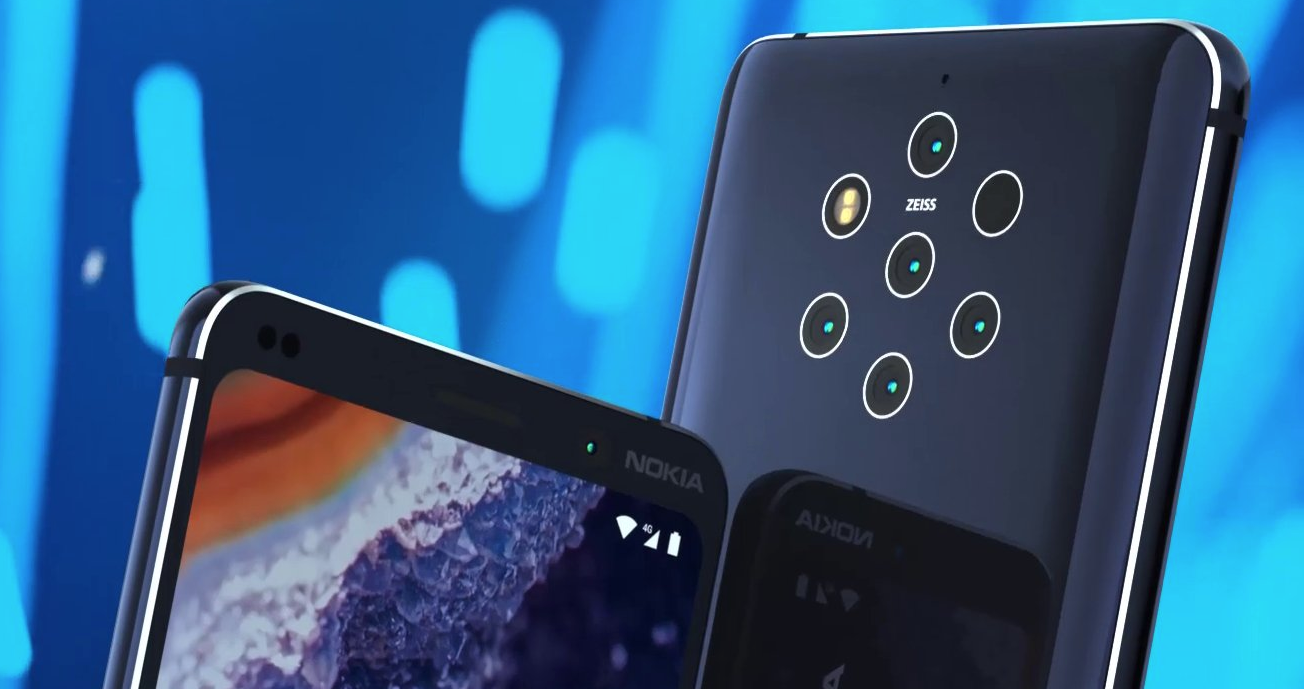
Flagship phones with just one rear camera are becoming rare, and apparently two sensors on the back isn't enough either. Nokia's upcoming flagship, the Nokia 9 PureView, has previously been rendered with a whopping five cameras on the back, and this latest leak from Evan Blass confirms the camera setup.

This is the first press render we've seen - previous leaks have included live prototype shots and 3D renders.

Read More

Nokia 9 PureView and its five rear cameras leak once again was written by the awesome team at Android Police.


from Android Police – Android news, reviews, apps, games, phones, tablets http://bit.ly/2RuY0m2
via IFTTT

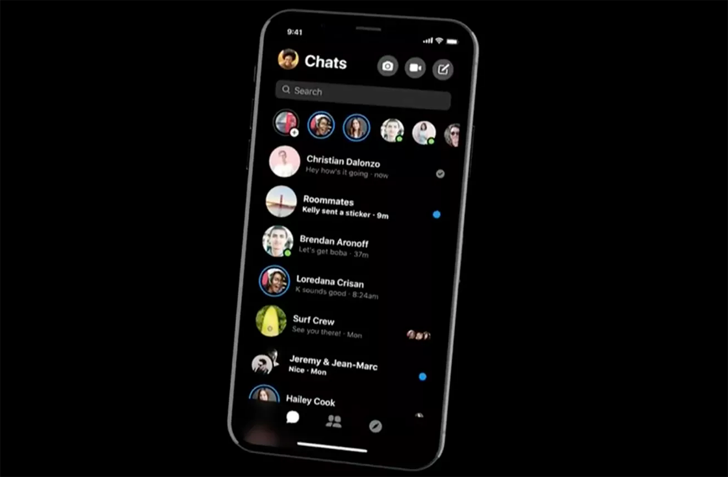
Facebook Messenger is testing dark mode, but only in some countries

Facebook has been experimenting with (and subsequently reverting) changes to its Messenger UI over the last few months. All throughout this testing, the most vocal demand we've seen from our own readers was for a dark mode to better supplement the blinding white design. Now, according to famed social app teardown expert Jane Manchun Wong, Facebook Messenger is finally starting to test a dark mode — but only in some countries, and it's still incomplete. 

We don't know the list of supported countries, so YMMV.

Read More

Facebook Messenger is testing dark mode, but only in some countries was written by the awesome team at Android Police.


from Android Police – Android news, reviews, apps, games, phones, tablets http://bit.ly/2QZjqsn
via IFTTT

Deal: Save big on Anker wireless chargers, battery packs, and more on New Year’s Eve

Were you gifted a fancy new smartphone over the holidays? If so, you might want to consider getting some useful accessories to go along with it. Thankfully, Anker, one of the best mobile accessory companies, has some great smartphone accessories that currently have some deep discounts on Amazon. These sales end late today.

Our favorite Anker product on sale today is its wireless charging pad, which is very useful if you bought a Qi-based wireless charging phone like the Galaxy Note 9 or Google Pixel 3. It has an LED ring that lets you know when your phone is fully charged up, too. It's available today on Amazon for just $12.99, nearly half off its normal $24.99 price tag.

Another great Anker product on sale today is the Astro E7 26,800mAh portable battery charger. Not only does it have a huge external battery that should charge your smartphone multiple times, it also has three ports so you can charge your phone, your tablet, and your friend's phone at the same time. Anker's PowerIQ technology is also a part of this device, which allows the external battery to detect which device is hooked up to it, so it can deliver the fastest possible charge to that phone. It's available today on Amazon in a glossy white color for $48.99, which is $21 off its normal $69.99 price tag.

There are other Anker mobile accessories on sale today only on Amazon that you might be interested in as well

Which one of these accessories will you be picking up today for your new smartphone to celebrate the new year?


from Android Authority http://bit.ly/2Rr3Ncp
via IFTTT